Gamble Tracker: who paid, who's next.
A queue of everyone who paid you. Set a min and max bet, and every /pay in range joins the queue in order. Payments outside the range go to a refund list, and one key moves on to the next player.
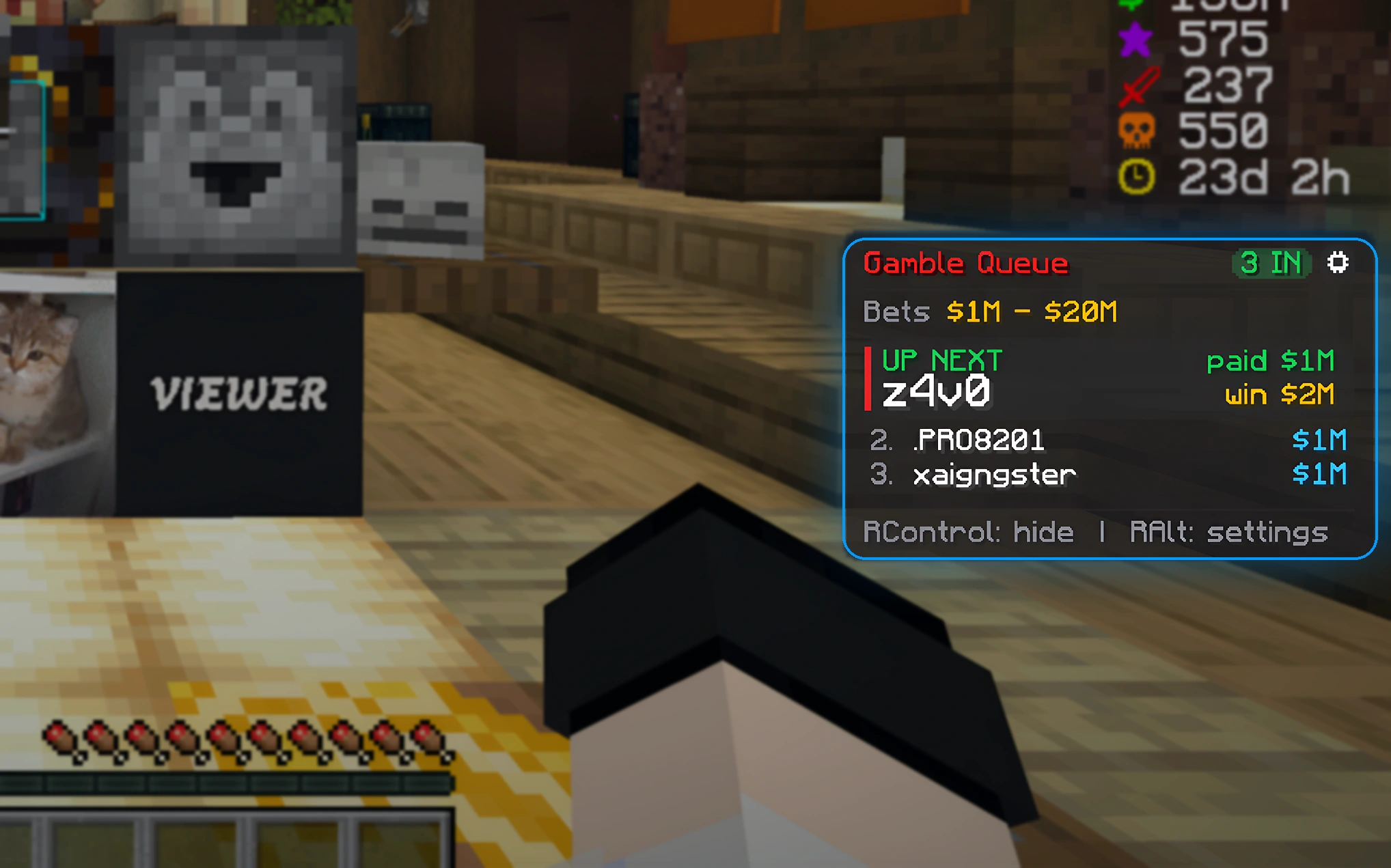
Run a gamble queue in three steps.
Set your bet range
Type a min and max bet, like 1m and 20m. Only payments inside the range join the queue.
Players pay to join
Everyone who
/pays you in range is lined up in order. Too low or too high goes to the refund list.Next player
After each game, one key takes the next player off. Premium copies (or sends) the winner's pay.
What it does for you.
A fair queue
Everyone who paid in range, in the order they paid. Bedrock names keep their dot.
Refund list
Payments below the min or above the max are listed separately, so you know who to pay back.
Fake-proof
Strict payment matching: the whole message has to be the payment line, so a fake message in chat can't jump the queue.
One-key flow
Keys for the card, the panel and the next player, plus undo if you slip. You never need to open the panel.
Payment log
Every payment is written to a file, so you can always check who paid what.
Pay the winner (Premium)
Auto-copies pay <name> <winnings> when a new player is up, or sends it with the pay-winner key.
Payout multiplier (Premium)
Pick what the winner gets: 1.5x, 2x, 2.5x or 3x their bet.
Looks (Premium)
7 looks including the smooth Sleek look, Liquid Glass, gradients and custom colors.
Hands-on tutorial
A short tour the first time you play shows the bet range, the queue and the keys, in every edition.
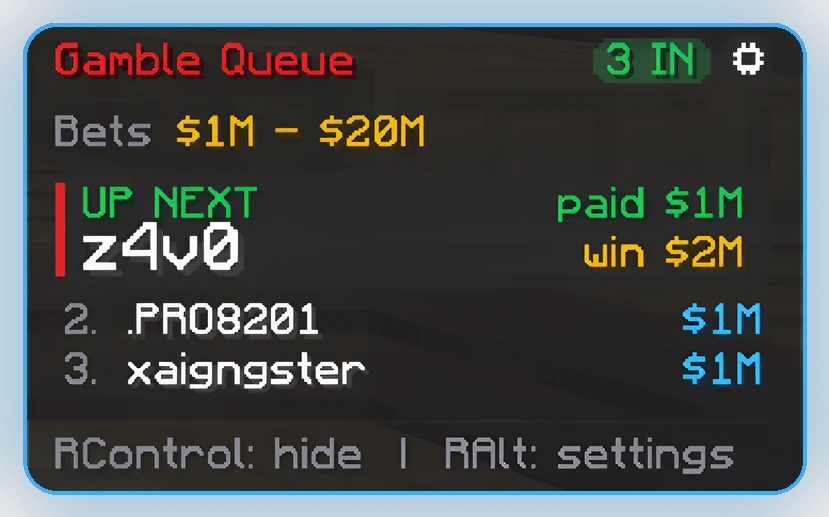
Real screenshots.
From a live server. Click one to see it full size.
Start free. Upgrade when you want more.
One-time purchase, no subscription. Every paid edition works on every supported Minecraft version.
- Queue of everyone who paid in your bet range
- Refund list, undo, next-player key
- On-screen card & payment log
- Hands-on tutorial the first time you play
- Classic look, 10 solid accent colors
- Copy / send
payto the winner - Pay-winner key & payout multiplier
- All looks & styling
- Everything in Free
- Auto-copies
pay <name> <winnings>when a new player is up - Pay-winner key sends the payment in one tap
- Pick the payout: 1.5x, 2x, 2.5x or 3x
- 7 looks incl. the new smooth Sleek look, Liquid Glass, gradient & custom colors
Minecraft versions and servers.
/pay (made for servers like DonutSMP).Gamble Tracker questions
Is Gamble Tracker free?
Yes. The Free edition has the queue, refund list, undo, the next-player key, the on-screen card, the payment log and the tutorial. Premium is a one-time purchase that copies or sends the winner's pay, adds the payout multiplier and all the looks.
Which Minecraft versions does it support?
Minecraft: Java Edition 1.21.11, 26.1 - 26.1.2, 26.2 and 26.3, with Fabric Loader.
Do I need Fabric API?
No. Gamble Tracker only needs Fabric Loader.
Can someone fake a payment to jump the queue?
No. Gamble Tracker never reads normal player chat, and the whole message has to be the payment line, so a DM like [Steve -> You] Bob paid you $10m can't count.
What happens to payments outside my bet range?
They go to the refund list instead of the queue, so you can pay them back.
Does it work with Auction Overlay?
Yes. Install both and they stay separate: each has its own keys and card. If both are new, the auction tutorial runs first and hands over to the gamble one.
Try Gamble Tracker free.
Make a free account, pick your Minecraft version and download the jar. Upgrade any time - your settings carry over.